
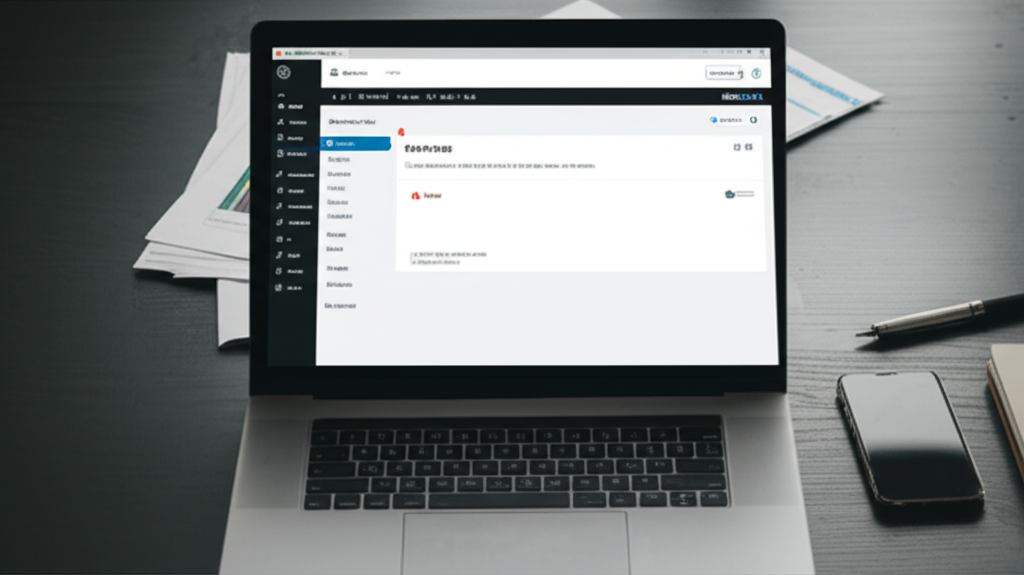
- Why WordPress Integration Issues Stunt Your Growth
- Identifying Common WordPress Integration Issues
- The 5-Minute Technical Audit Checklist
- A Realistic Case Study in Automation
- Solving WordPress Integration Issues for Good
Managing WordPress Integration Issues is the difference between a scaling business and a broken one. Most plugins fail because they weren’t designed to talk to each other. As an operations manager, you know the frustration of a lead form that simply stops working. We have spent years fixing these “Franken-stack” disasters for our clients. The mental relief of seeing a single, unified dashboard is worth the effort of a five-minute fix.
Why WordPress Integration Issues Stunt Your Growth
When your website and your CRM are disconnected, data leaks out of the gaps. According to Statista, WordPress powers a massive portion of the web, yet many users struggle with basic connectivity. Most WordPress Integration Issues occur because of plugin conflicts or outdated software. We recommend moving away from “glue” tools like Zapier for basic functions.
Using too many bridges creates points of failure. If one plugin updates and another does not, your data stops flowing. Research from Harvard Business Review shows that bad data costs companies trillions of dollars annually. You can avoid this by using a native funnel builder that connects directly to your database. This eliminates the need for complex webhooks and third-party keys.
Identifying Common WordPress Integration Issues
The first step is checking your dashboard buttons for status updates. Most WordPress Integration Issues show up as failed form submissions or broken tracking pixels. We use a simple Trigger to Action workflow to test every new site. For example, if a “Contact Form Submitted” trigger does not fire a “Create Opportunity” action, the link is broken.
We have found that 90 percent of these errors come from simple permission settings. You must ensure your WordPress admin login is correctly synced with your CRM. If you use our managed hosting, you can handle this with one click. This bypasses the typical WordPress Integration Issues found on cheap, unmanaged servers.
The 5-Minute Technical Audit Checklist
Run through this list to clear up WordPress Integration Issues immediately:
Update your WordPress core version and all active plugins.
Deactivate any redundant form plugins that might conflict.
Verify your Webhook URL in the “Settings” dashboard button.
Test your lead form using an incognito browser window.
Check the “Activity Feed” in your CRM for incoming data.
Ensure your SSL certificate is active and not expired.
A Realistic Case Study in Automation
One real estate firm we worked with faced severe WordPress Integration Issues last quarter. Their contact form stopped sending data to their sales team for four days. They lost 22 high-value leads during that window. With an average commission of $5,000, they missed $110,000 in potential revenue.
We solved this by removing their old plugins and using a native integration. We moved their site to our managed hosting environment and clicked the “Sync” dashboard button. The errors vanished instantly. They now save three hours of manual data entry every single week. This is the ROI of a clean, automated system.
Solving WordPress Integration Issues for Good
You do not need a computer science degree to have a working website. You need a system that works while you sleep. We suggest consolidating your tools into one platform to prevent future WordPress Integration Issues. Stop wasting time on forums looking for snippets of code. Click the “Integrations” dashboard button and let the software do the heavy lifting for you.
To eliminate technical headaches and capture more leads, click the golden button below to start your free trial with ClientMax now.


0 Comments